
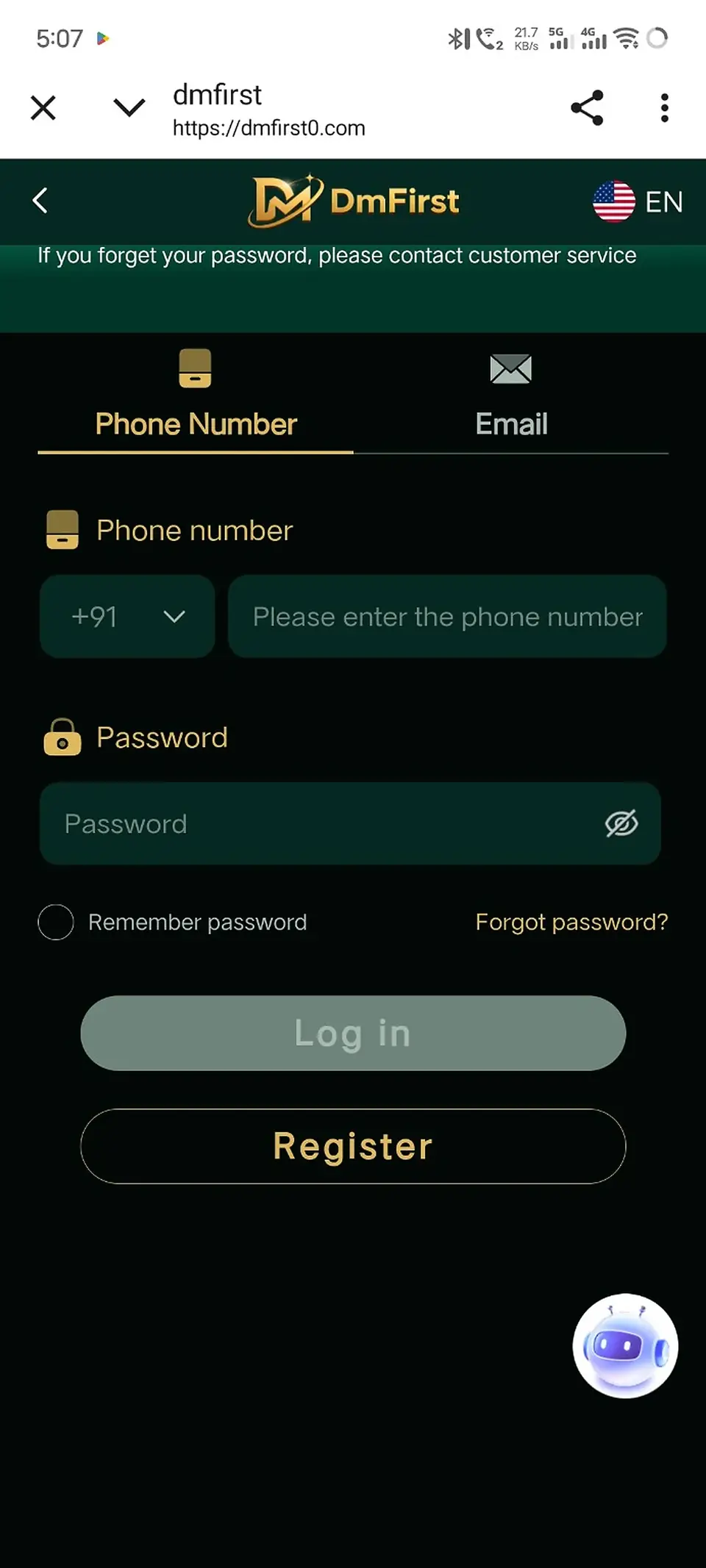
Step-by-step instructions
1
Open the DmFirst login pageUse the Login button on dmfirst.click when the official login URL is configured.
2
Choose Phone Number or EmailSelect the same method associated with your registered account.
3
Enter your registered detailsType the phone number or email linked to the account.
4
Enter your passwordCheck the password carefully before submitting. Avoid saving passwords on shared devices.
5
Use Remember Password only on your own deviceLeave the option off on shared or public phones and computers.
6
Select Log inIf the details are correct, the external DmFirst platform should continue to your account.
Cannot log in? Use the Forgot Password option rather than repeatedly guessing your password.
Screens and labels can change when the external platform updates. Follow the wording currently shown on your device.