
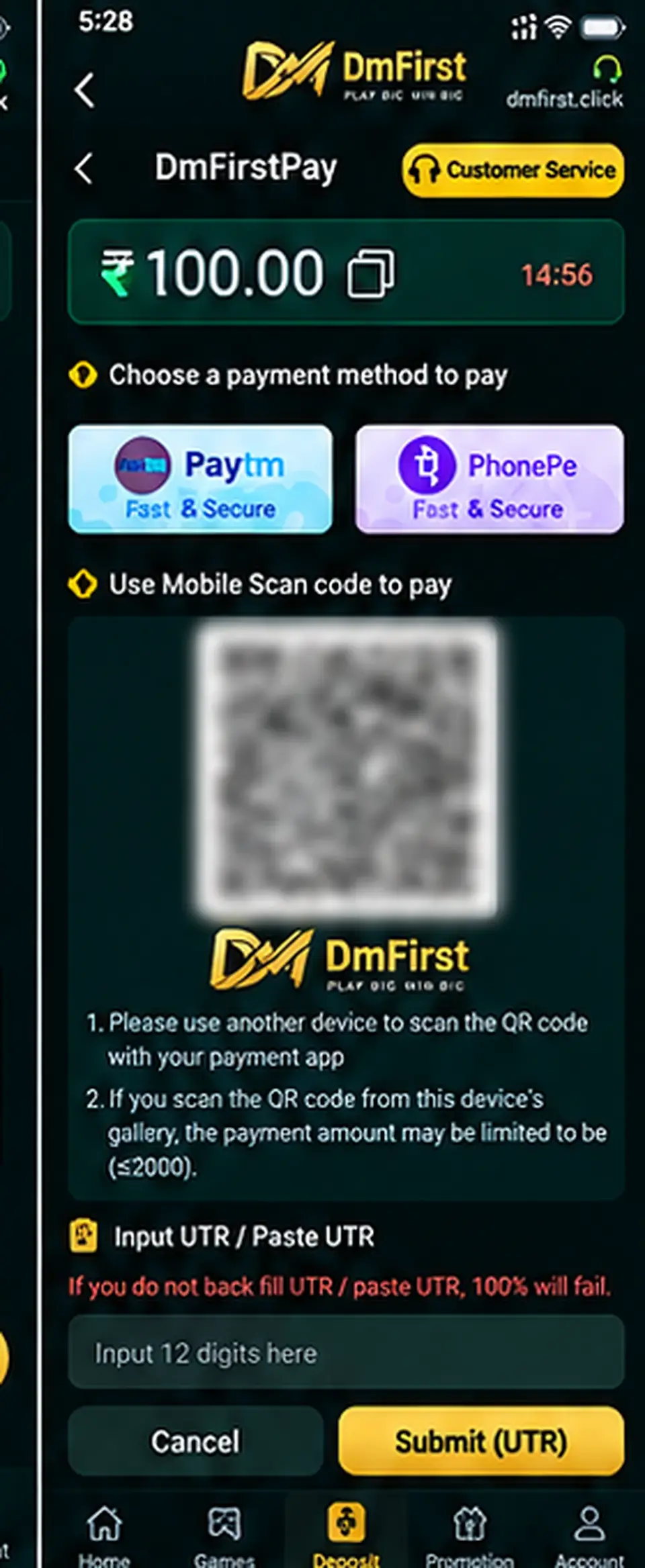
Step-by-step instructions
1
Choose the deposit amountStart from the deposit or recharge section and select or enter the amount you intend to pay.
2
Choose a supported payment methodSelect one of the payment methods currently shown by the external platform.
3
Pay only using the current on-screen instructionsIf a QR code is shown, verify the amount and merchant details in your payment app before confirming.
4
Keep the payment referenceAfter a successful payment, save the UTR or transaction reference displayed by your payment app.
5
Enter the UTR when requestedThe example flow asks for a 12-digit UTR. Copy the reference exactly from your successful transaction.
6
Submit and keep the receiptSubmit the payment reference and retain your receipt until the account balance has been updated.
Payment safety: Never pay a QR code or account sent privately by an unknown person. Use only the current payment instructions displayed through the official link.
Screens and labels can change when the external platform updates. Follow the wording currently shown on your device.