
Step-by-step instructions
1
Link a supported withdrawal methodAdd a bank account, UPI ID or USDT address if the external platform requires it before withdrawal.
2
Open the withdrawal areaChoose the withdrawal option from the account or wallet section.
3
Select the correct payment methodUse a payment method that belongs to you and has accurate details.
4
Enter the requested withdrawal amountReview any minimum, maximum or turnover requirements currently displayed before submitting.
5
Submit the requestCheck the method and amount again, then confirm the withdrawal request.
6
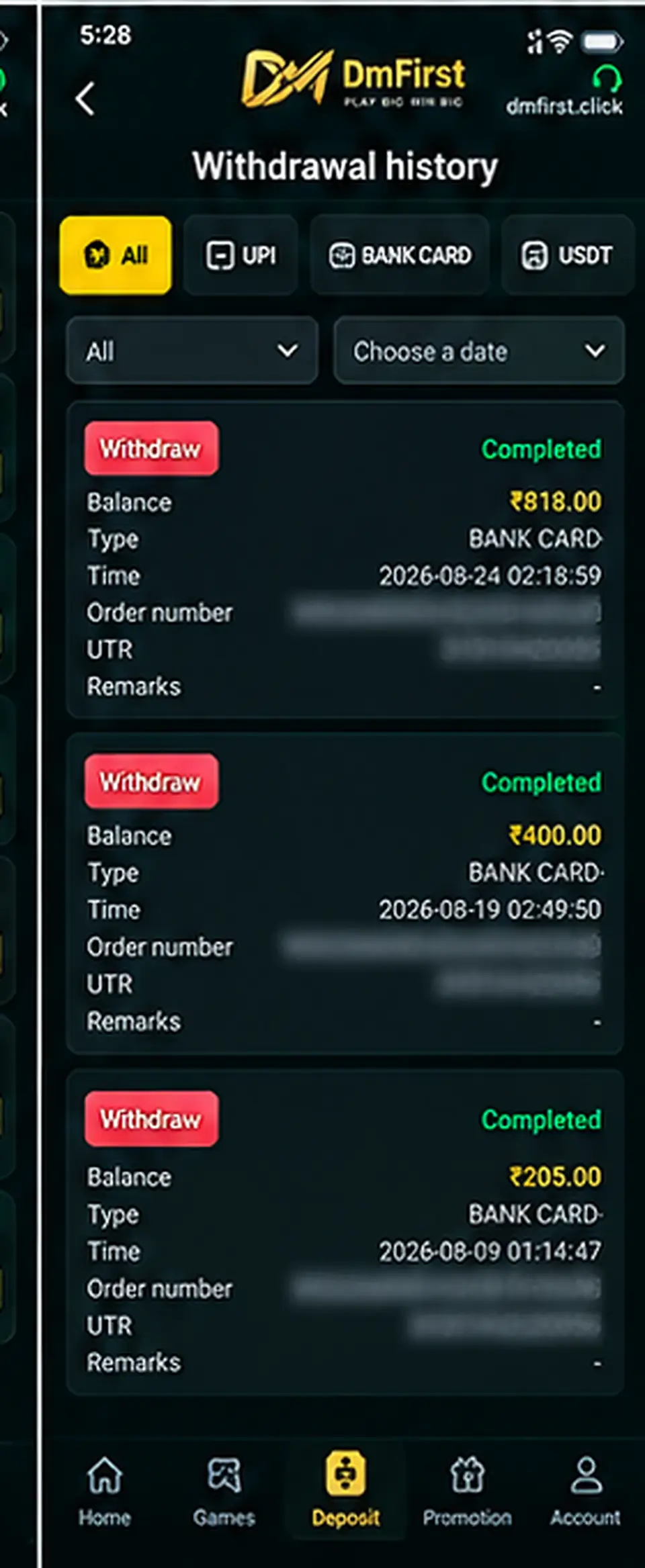
Review Withdrawal HistoryUse the history page to check status, amount, time, order number and UTR/reference when available.
Status: A completed record indicates the platform marked the transaction as processed. If funds are not visible, compare the UTR/reference with your bank, wallet or payment provider.
Screens and labels can change when the external platform updates. Follow the wording currently shown on your device.