
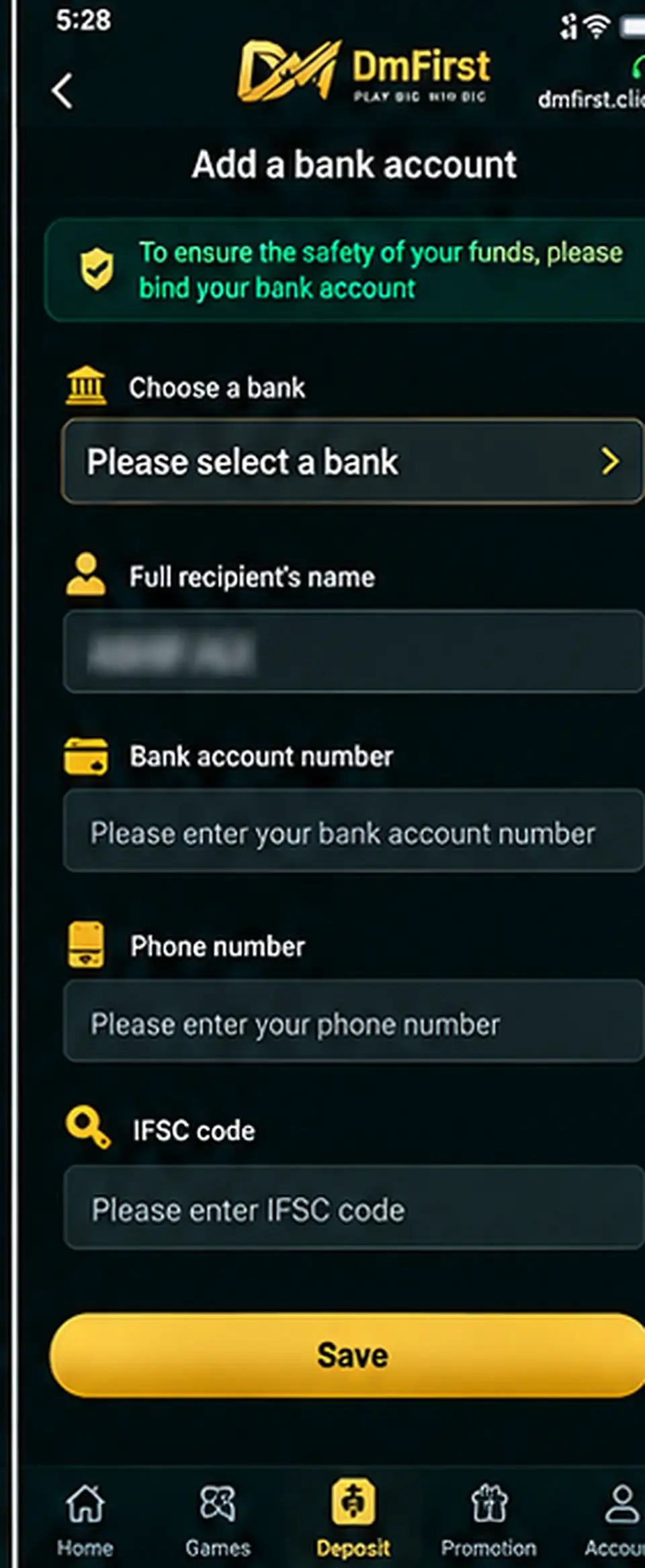
Step-by-step instructions
1
Open Add Bank AccountGo to the wallet or payment-method section and choose the bank-account option.
2
Select your bankChoose the correct bank from the available list.
3
Confirm the recipient nameThe account-holder name should match the bank account you are adding.
4
Enter the bank account numberType the complete account number carefully and verify every digit.
5
Enter your phone numberUse the mobile number requested by the payment form.
6
Enter the IFSC code and saveCheck the IFSC for the correct bank branch, review all details and then save.
Before saving: A wrong bank account number or IFSC can cause failed payments or delays. Verify the details directly from your bank records.
Screens and labels can change when the external platform updates. Follow the wording currently shown on your device.