
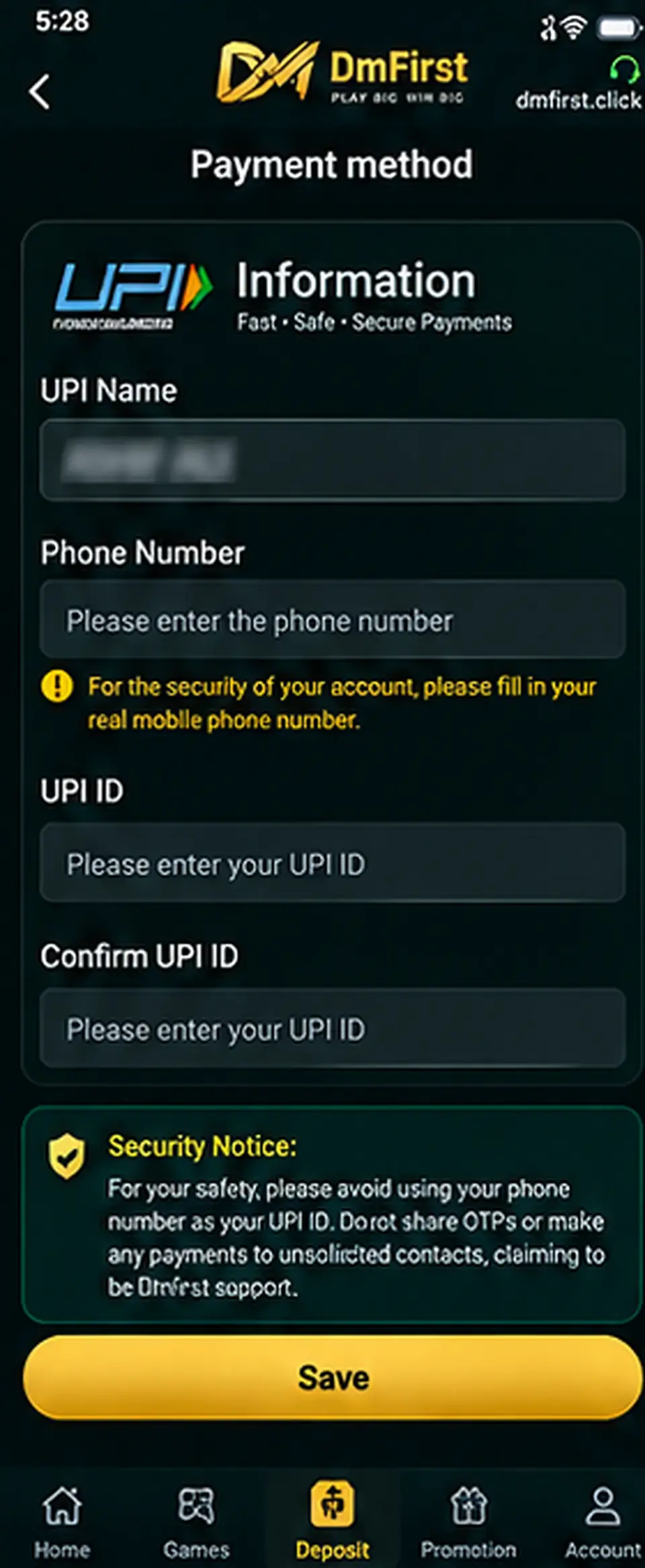
Step-by-step instructions
1
Open the payment-method areaGo to the payment or wallet section on the external DmFirst platform.
2
Choose UPISelect the UPI payment method or Add UPI option.
3
Check the displayed account nameUse payment information that belongs to you and matches the platform requirements.
4
Enter your real phone numberUse a phone number you control. Do not enter another person’s number.
5
Enter and confirm the UPI IDType the UPI ID carefully in both fields and check for spelling mistakes.
6
Save the payment methodReview the information before saving. Never send money to unsolicited contacts claiming to be support.
Security: Do not use your phone number itself as a UPI ID unless your payment provider specifically created it that way. Never share OTPs.
Screens and labels can change when the external platform updates. Follow the wording currently shown on your device.